

Overflowing spreadsheets, taxes calculated by hand, Word invoices numbered from memory: every business eventually goes looking for accounting software. But between the American giants, the “free” options and the overly complex suites, how do you choose the right one for a small business or self-employed worker in Quebec? Here are the 7 criteria that actually matter — and the traps to avoid.
1. Native GST and QST handling
The make-or-break criterion. Software built for Quebec must handle both taxes separately, at the right rates (5% and 9.975%), display them correctly on invoices with your registration numbers, track ITCs/ITRs on your expenses and produce the data for your returns. With a foreign tool “adapted” to Quebec, configuring taxes is on you — and every configuration mistake becomes a mistake in your filings (our GST/QST guide explains what has to be right).
2. French — for real
Not just the interface: the invoices, quotes and reminders your clients receive must exist in proper French (and in English when your clientele requires it). In Quebec it is also a matter of compliance and image. Check the support language too: a tax problem is hard to solve in broken translation.
3. Does it cover your full work cycle?
Map your actual flow: quote → mandate → time tracking → invoice → payment → expenses → reports. Every link handled outside the software (a spreadsheet, another tool, email threads) means retyping and errors. For a services business, built-in billable time tracking is often the missing link — the one that changes profitability.
4. Simplicity first: you are not an accountant
Full accounting suites impress in the demo and discourage in daily life. The real question: can you record an expense in 30 seconds, send an invoice in 2 minutes, see your profit in one click? Software you avoid because it is heavy sends you straight back to the spreadsheet — test with your real data before deciding.
5. Total cost (and the fees that hide)
| What to check | The classic trap |
|---|---|
| Per-user pricing | Affordable alone, costly the moment you add an employee or your accountant |
| Optional features | Time tracking, payments or reports sold as separate modules |
| Volume limits | Invoice or client caps in the entry-level plans |
| Online payment fees | Compare the real transaction rates |
| “Free” | Monetized data, ads, or missing tax features |
6. Collaboration with your accountant
At year-end your accountant will need your data: clean exports, category reports aligned with the T2125/TP-80, or direct read access. Ask what they prefer to receive — software that speaks your accountant’s language saves hours of billable fees.
7. Your data: hosting, backups, portability
- Automatic backups and access from anywhere (cloud);
- Free export of your data — you must be able to leave with your numbers;
- Retention: your records must stay accessible for six years, even if you switch tools.
Why InnoBooks checks these boxes
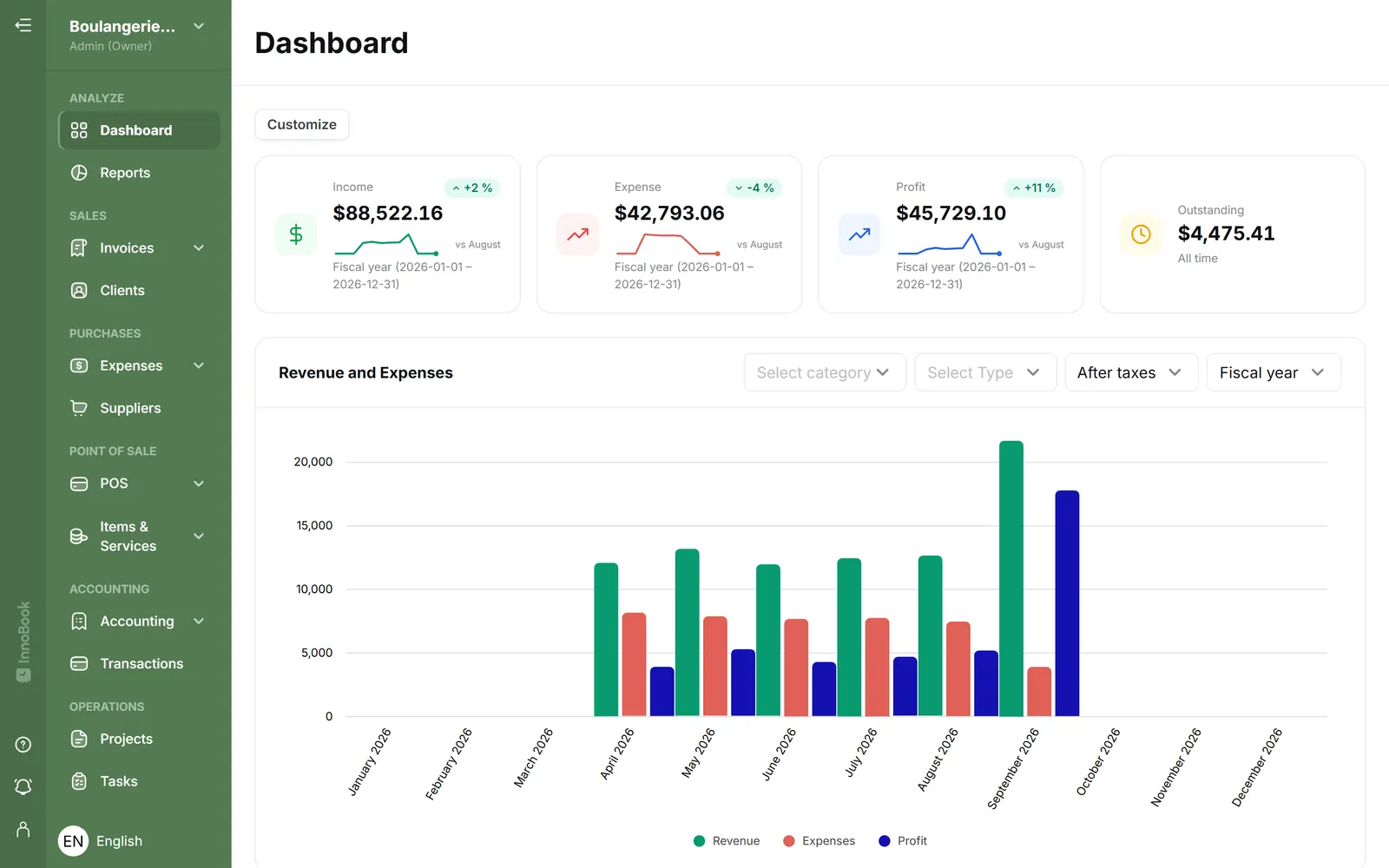
InnoBooks was built in Quebec, for the reality of Quebec small businesses:
- ✅ Native GST/QST: exact rates, numbers displayed, ITCs/ITRs tracked automatically;
- ✅ Bilingual: interface and client documents in French and English;
- ✅ Full cycle: quotes, invoices, time tracking, expenses, online payments and reports — no hidden modules;
- ✅ Simple every day: designed for entrepreneurs, not CPAs;
- ✅ Accountant-ready reports and your data exportable at any time.
Frequently asked questions about choosing accounting software
Isn’t Excel enough to start?
For a few invoices with no taxes, maybe. Once you register for GST/QST, the spreadsheet becomes risky: manual calculations, no audit trail, fragile numbering. The time “saved” gets paid back in April — and during a tax audit.
Is switching mid-year a bad idea?
January 1 remains ideal, but a mid-year switch works fine: import your balances and move on. Don’t wait for “the right moment” for two years — every month of delay is a month of data to rebuild.
What about my old data?
Export and archive it: the six-year retention requirement also covers the years kept in your old tool. A PDF + CSV export per fiscal year is generally enough.
Do I need double-entry accounting?
You need its results (reliable statements), not to operate it yourself. Good software applies double entry behind the scenes while you simply record invoices and expenses — the best of both worlds (see our Bookkeeping 101).
Bottom line
The right accounting software for a Quebec small business handles GST/QST natively, speaks French to your clients, covers your whole work cycle, stays simple day to day, prices itself without surprises and plays well with your accountant. Test it with your real invoices — that is the only benchmark that counts.
Want to judge for yourself? Try InnoBooks for free — create your first invoice in five minutes.