

InnoBooks keeps your general ledger automatically: every transaction (invoice, expense, POS sale, payment) is posted account by account, with a running balance. The trial balance summarizes, as of a given date, the total debits and credits of each account and confirms that your books balance. Both reports are read-only: you review them on screen and export them to CSV or PDF.
What you’ll need
- The
accounting.readpermission on your role (both reports live under the Accounting module). - A chart of accounts set up in InnoBooks.
- Transactions already recorded (invoices, expenses, sales) so the reports contain data.
- Your company’s currency symbol and date format apply automatically to the amounts shown.
Steps
- Open the general ledger
From the Accounting menu, click the
General Ledgercard. The report opens on the period computed by InnoBooks, shown in the header as a date range (start→end). In the top bar of the panel, theCSVandPDFbuttons export the report, and the back arrow, in the page header to the left of the title, returns to the previous screen.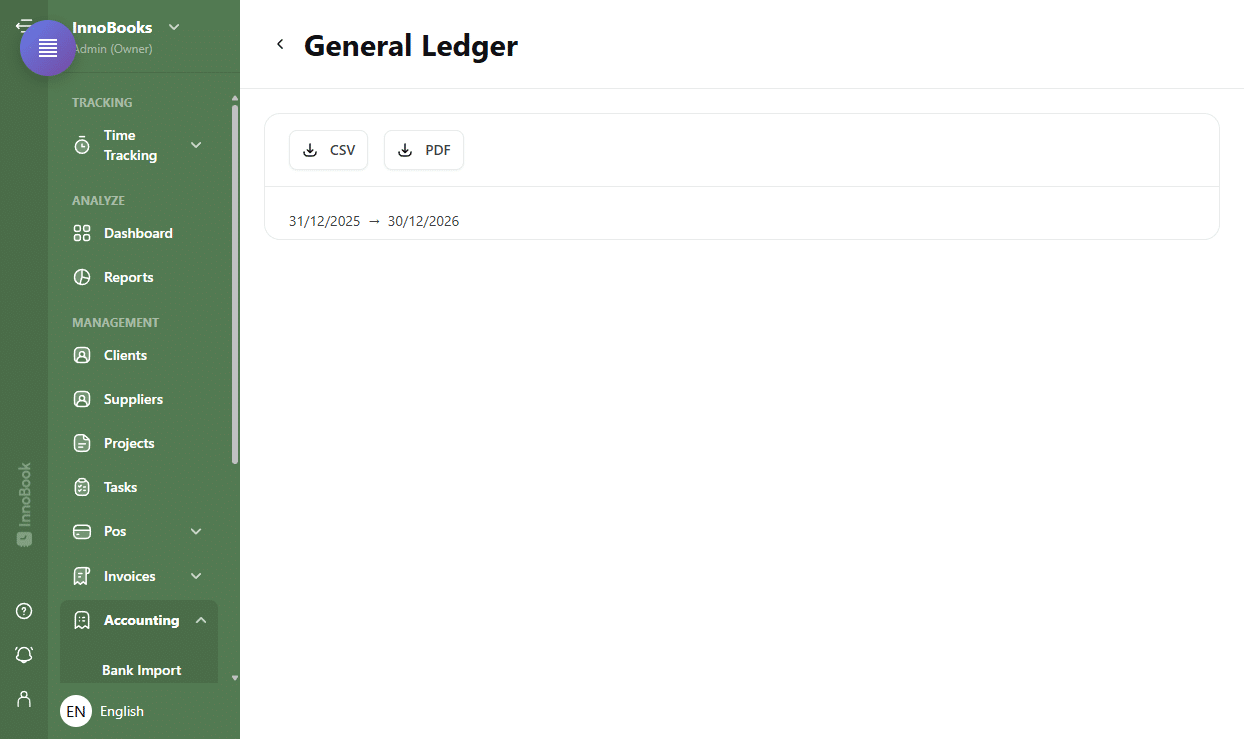
“General Ledger” header with the period date range and the CSV and PDF buttons. - Read an account in the general ledger
The general ledger shows one section per account, identified by its
code,nameandtype. TheOpening Balanceline gives the balance at the start of the period, then a table lists each entry with theDate,Reference,Description,Debit,CreditandRunning Balancecolumns. TheRunning Balanceshows green when positive and red when negative. - Read the general ledger totals
Under each account, a line summarizes
Total Debits,Total CreditsandClosing Balance. At the very bottom of the report, a footer sums theTotal DebitsandTotal Creditsacross all accounts. A zero amount in Debit or Credit is replaced by a dash “—”. - Open the trial balance
Go back to the Accounting menu and click the
Trial Balancecard. At the top of the report, three cards summarize the situation:As of(the reference date),Total DebitsandTotal Credits. The sameCSVandPDFbuttons are available. - Confirm the balance is balanced
Below the cards, a badge shows the status:
Balanced(green, with a check) when the difference between debits and credits is zero, orUnbalanced(red) followed by the amount of the gap. In double-entry bookkeeping, total debits must equal total credits. - Read and sort the accounts table
The table lists one line per account with the
Account Code,Account Name,Account Type,DebitandCreditcolumns. Click a column header to sort the rows. A dash “—” replaces a zero amount. Export toCSVorPDFfor your records as needed.

Tips & edge cases
- Both reports are read-only: nothing to fill in, only the
CSV,PDFbuttons and the back arrow. - The
general ledgergroups transactions by account with a running balance; thetrial balanceshows only each account’s net balance (debit or credit) as of the reference date. - In the general ledger, the
Running Balanceturns green (positive) or red (negative), which helps flag an account to watch. - If the trial balance shows
Unbalanced, an entry is out of balance in your books: open the general ledger for the affected account to trace it. - Only the trial balance table is sortable by column; the general ledger sections follow account and date order.
Frequently asked questions
What is the difference between the general ledger and the trial balance?
The general ledger details every transaction, account by account, with a running balance. The trial balance summarizes, as of a given date, each account’s total balance (debits vs credits) and checks that everything balances.
Can I choose the period or filter by account?
These screens display the current period computed by InnoBooks: the general ledger shows it in its header (date range) and the trial balance shows its reference date (As of). To archive a specific snapshot, export the report to CSV or PDF.
What does “Unbalanced” mean?
That Total Debits does not match Total Credits as of the reference date, with the gap shown next to the badge. In double-entry, the two totals must be equal; check the general ledger to find the account involved and, if needed, refer to your accountant for interpretation.